
Dealing with government systems rarely sparks joy. Most people associate Social Security with long phone calls, mailed forms, and waiting rooms that feel frozen in time. The “my Social Security” portal was designed to disrupt exactly that experience, moving essential services into a digital space that actually works.
Created by the Social Security Administration, the my Social Security platform allows U.S. residents to manage benefits, review earnings, and update personal information without paperwork or appointments. With more than 70 million users already registered, according to SSA data, the portal has become a central tool for anyone who wants clarity and control over their benefits before and after retirement.
What do I need to do to create an account to create my Social Security?
Creating a “my Social Security” account is free, but it is not casual. Because the portal handles sensitive financial and identity data, the registration process is intentionally strict.
This protects users against fraud, which remains a growing concern as benefit-related identity theft increases nationwide. Before starting, users must meet basic eligibility requirements.
You need to be at least 18 years old, have a valid Social Security number, a U.S. mailing address, and access to an email account.
The platform also requires identity verification through third-party services to confirm that you are who you claim to be.
Essential documents and information needed to get started
Having everything ready avoids unnecessary interruptions during registration. The system times out if left idle, and incomplete attempts may require restarting. You should prepare:
- Your Social Security number and full legal name as registered with the SSA;
- A valid email address you actively use;
- A U.S. mobile phone number for verification codes;
- Financial or identity-related details for authentication questions;
- A secure device and private internet connection.
Accuracy matters. Any mismatch between your entries and SSA records can delay access or trigger manual review.
Step-by-step guide to creating a create my Social Security account
The official starting point is the “my Social Security” portal at the account page. From there, the process unfolds in a structured sequence designed to verify identity while minimizing user friction.
First, select “Create an account” and confirm whether you prefer to sign in using Login.gov or ID.me. Both are government-approved identity providers, and either option works seamlessly with my Social Security.
You will then be guided through identity verification, which may include answering questions based on your credit history or uploading identification documents.
Once verified, you will create login credentials and enable multi-factor authentication. After confirmation, your “my Social Security” dashboard becomes accessible immediately.
From this point on, most interactions with the SSA can happen online, reducing reliance on phone or in-person visits. The entire setup typically takes 10 to 15 minutes, assuming no verification issues arise.
Crucial security measures and account protection
Security is not optional when dealing with Social Security data. The SSA has significantly tightened digital safeguards over the past decade, particularly after high-profile data breaches in other federal systems.
Every my Social Security account includes mandatory two-step verification. This means logging in requires something you know, your password, and something you have, such as a verification code sent to your phone.
Users are also encouraged to update passwords regularly and avoid using shared devices. To further protect your account:
- Never share login credentials with third parties;
- Monitor login alerts and unfamiliar activity;
- Update contact information promptly;
- Avoid accessing the portal on public Wi-Fi networks;
- Review account details periodically for accuracy.
These precautions are not bureaucratic overkill. According to the Federal Trade Commission, government benefit fraud remains one of the fastest-growing identity theft categories in the U.S.
Key benefits of having an online account
A “my Social Security” account fundamentally changes how individuals interact with their benefits over time. With an active account, users can:
- View real-time estimates of future retirement benefits;
- Check disability or Medicare application status;
- Review annual earnings records for accuracy;
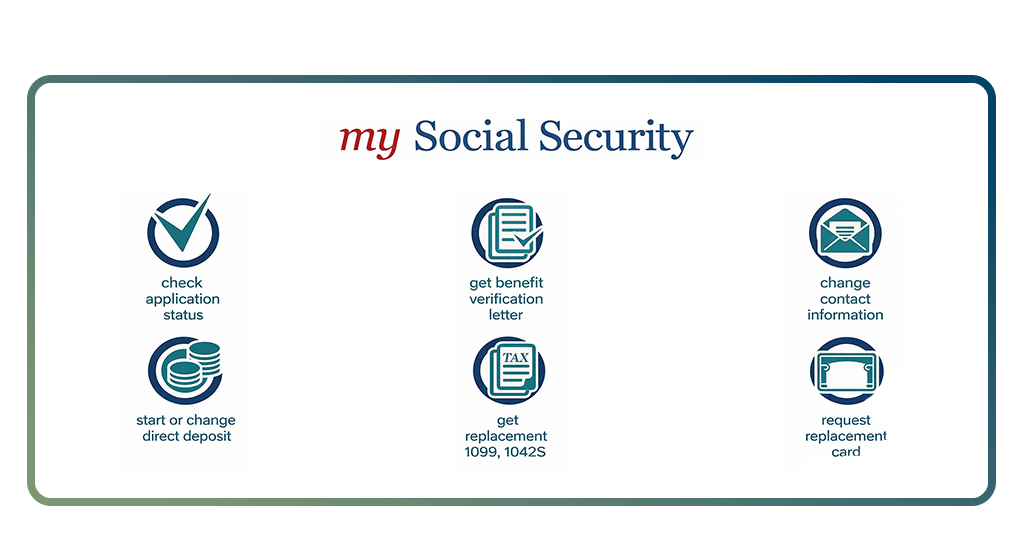
- Request replacement Social Security cards in most states;
- Update direct deposit and contact information.
These features allow users to catch errors early, especially in earnings history, which directly affects benefit calculations. Correcting mistakes sooner rather than later can significantly impact long-term payouts.
For those managing broader financial planning, pairing benefit tracking with tools like a budgeting app can provide a clearer picture of income stability and retirement readiness.
Why checking your earnings record actually matters
Many people assume their earnings record is automatically correct. In reality, SSA data depends on accurate reporting by employers.
Missing or incorrect wages do occur, and uncorrected errors can lower benefit amounts permanently.
The SSA estimates that reviewing your record annually reduces the likelihood of long-term discrepancies.
With my Social Security, this review takes minutes instead of hours. If issues appear, the portal provides guidance on documentation needed for corrections.
This is not a theoretical concern. Even small discrepancies compounded over decades can translate into thousands of dollars lost during retirement.
Mobile access and platform availability
The “my Social Security” service is currently available as a web-based platform only. There is no standalone mobile app for Android or iOS dedicated exclusively to my Social Security functionality.
However, the website is mobile-responsive and accessible through modern smartphone browsers. Users can safely log in, review information, and complete most tasks on mobile devices, provided they use secure connections.
The official portal remains https://www.ssa.gov/myaccount/, and users should avoid unofficial apps or third-party services claiming direct SSA access.
A digital system that finally works
No matter how many years remain before you stop work or if you already collect monthly payments, you need facts you can trust. Fast, sensibly built tools turn those facts into the services you rely on.
What matters most is that you stay in charge of the numbers that decide your future income. Opening an account lets you see the same records the government sees, spot mistakes or misuse early, and map out the years ahead. Because a tiny slip on a form can grow into a large loss, the “my Social Security” site gives you steady command of your data without asking you to master rules.